No distractions
Your documents come first.
Peeknext keeps the interface focused on editing. No crowded toolbars, complicated workspaces, or panels competing for attention. Just your files and the tools you need to work with them.
# Hello world.

This is how minimal the editor can look
Built around your documents
Peeknext is built around your documents, not its interface. Open a file and start working, with additional tools available when you need them.
No project setup, indexing process, or configuration required.
An editor that stays out of the way.
One document, multiple views
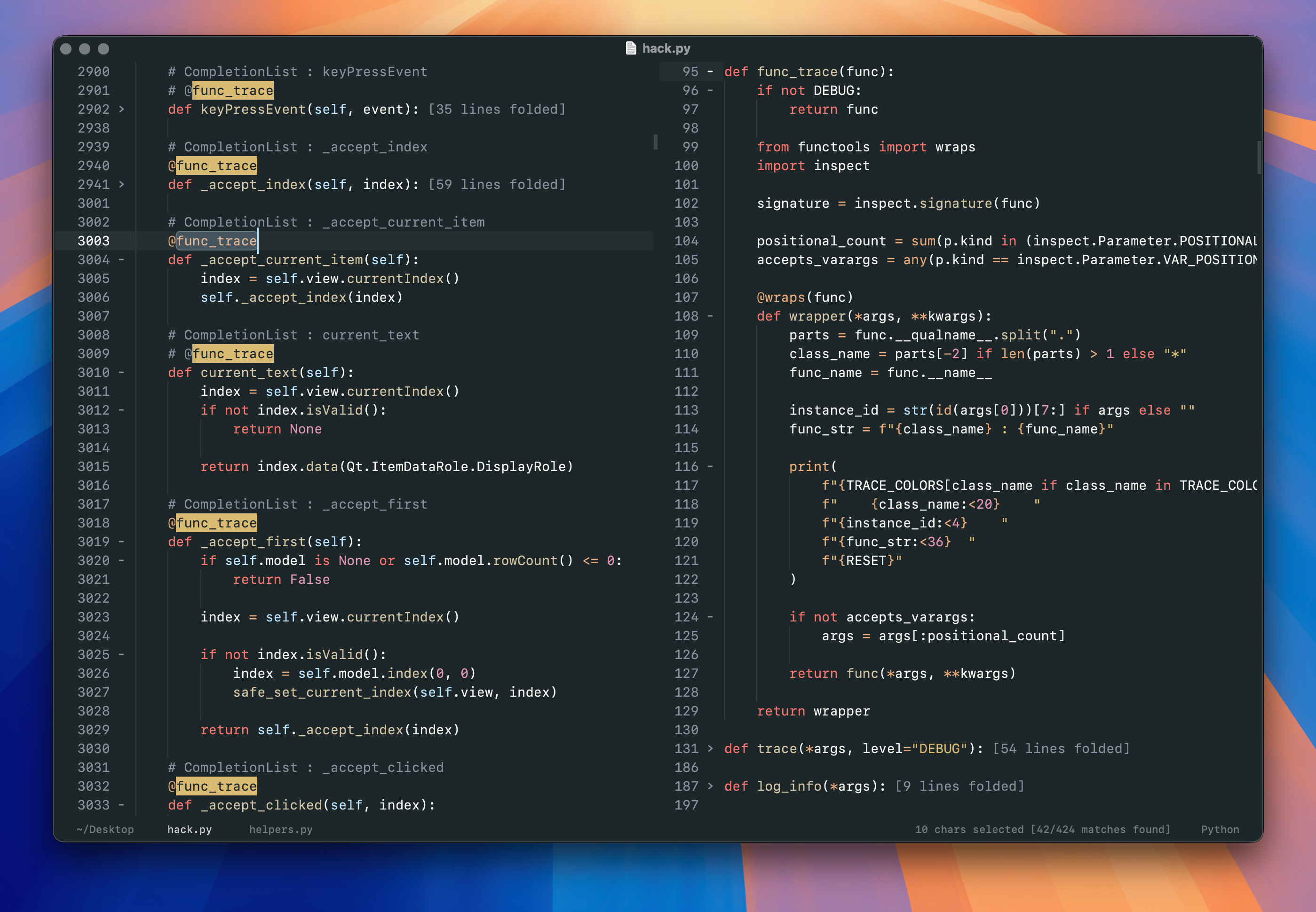
Split the editor to work with different files side by side, or view different parts of the same document simultaneously.
Multiple views of a document share the same underlying buffer. Changes appear everywhere immediately, without synchronization or duplicate files.
Arrange your workspace around the task, not the other way around.
Windows that work independently
Open multiple Peeknext windows, each with its own layout and set of documents.
Move tabs between windows, keep related files together, or spread your work across multiple displays.
Documents shared between windows stay synchronized, including unsaved changes. There's no need to choose between a single crowded workspace and separate copies of your files.
Tools when you need them
Search, navigation, commands, and file trees are available without permanently occupying screen space.
Use the command palette to find actions, fuzzy search to open project files, or the file explorer to browse directories.
Open a tool, complete the task, and return to editing.
The interface stays focused on your documents.
A space for writing
A dedicated writing mode removes unnecessary interface elements and lets you concentrate on the text.
Whether you're drafting documentation, writing Markdown, or working on longer documents, the editor adapts to the task.
Writing mode will introduce a centered text column with configurable margins, soft wrapping by default, and typewriter scrolling to keep your current line comfortably positioned.
The interface will fade away as you type, replacing line numbers with a word count and leaving more room for the document itself.
Coming soon.
Familiar by design
Peeknext follows established macOS conventions for windows, documents, menus, and keyboard interaction. Use familiar shortcuts, native text navigation, and standard file operations.
Customize keybindings and commands when needed, without having to learn an entirely new editing environment.
Powerful editing, built in
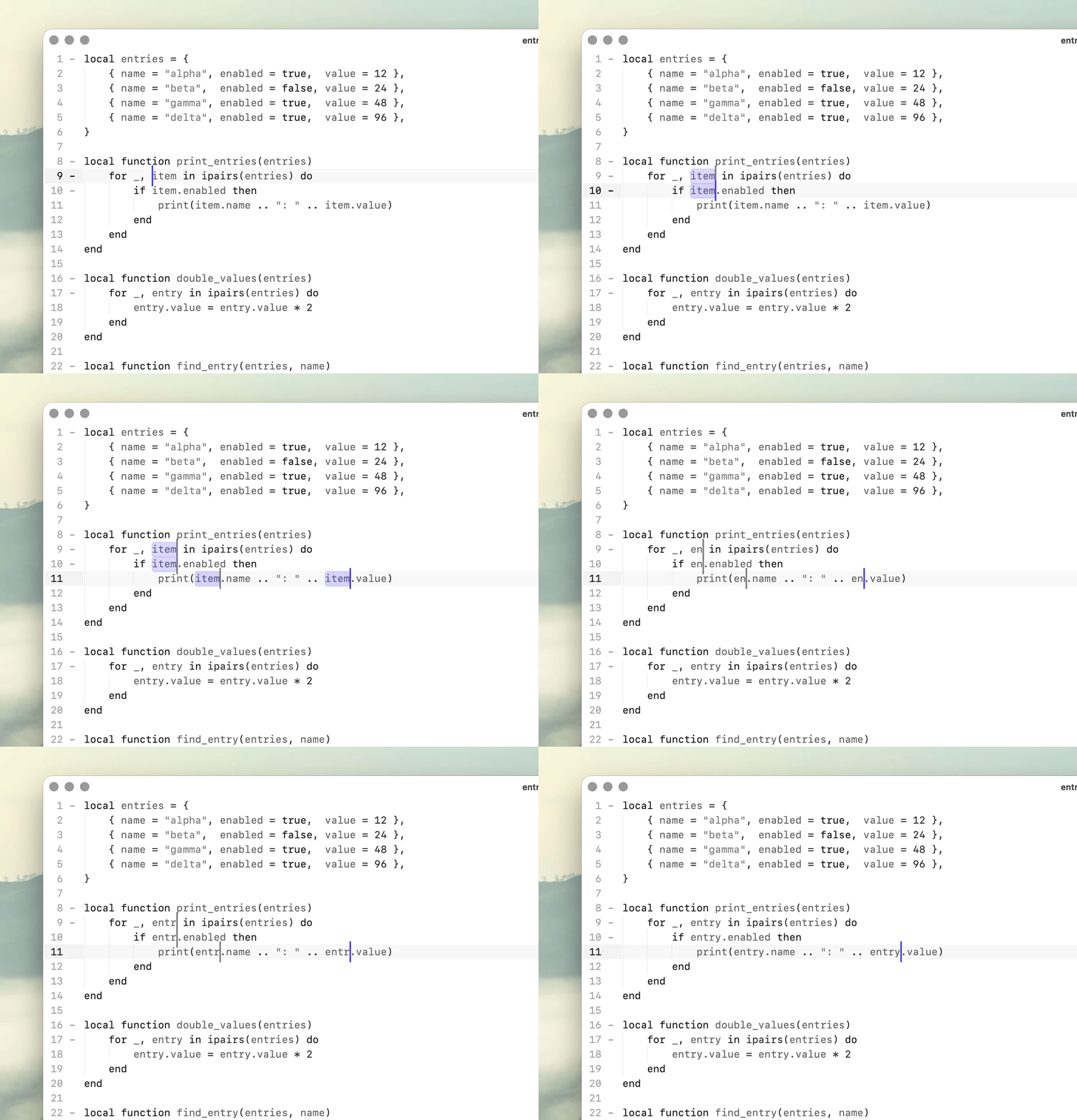
Multiple cursors, multiple selections, code completion, syntax highlighting, folding, and search are included.
There's no extension marketplace to configure or collection of plugins required to make the editor useful.
Python scripting is available for custom commands and workflows, while the core editing experience remains straightforward.
Less interface. More work.
A text editor should make it easy to concentrate on the document in front of you. Peeknext provides the tools to work across files, windows, and projects without making those tools the center of the experience.