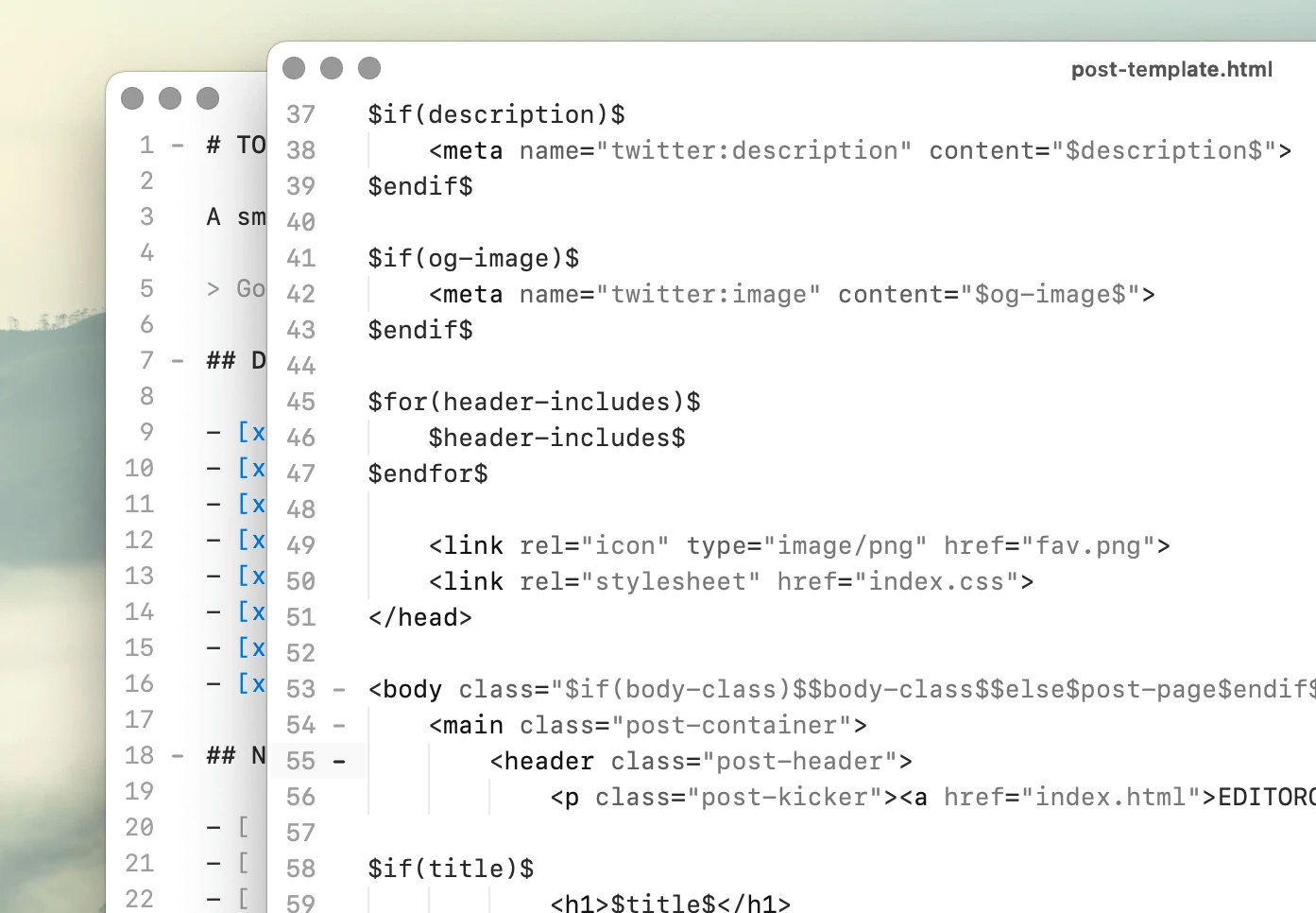
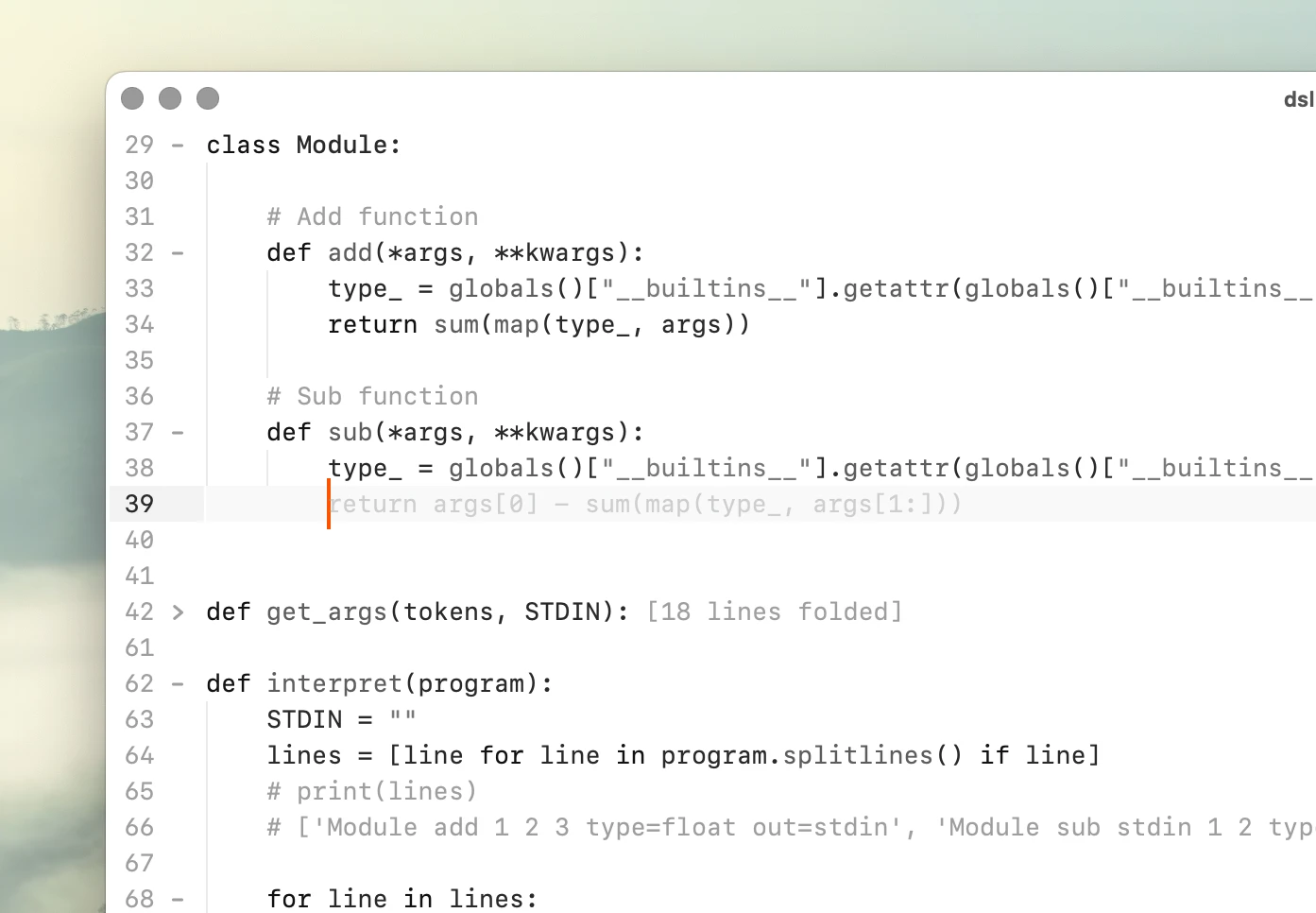
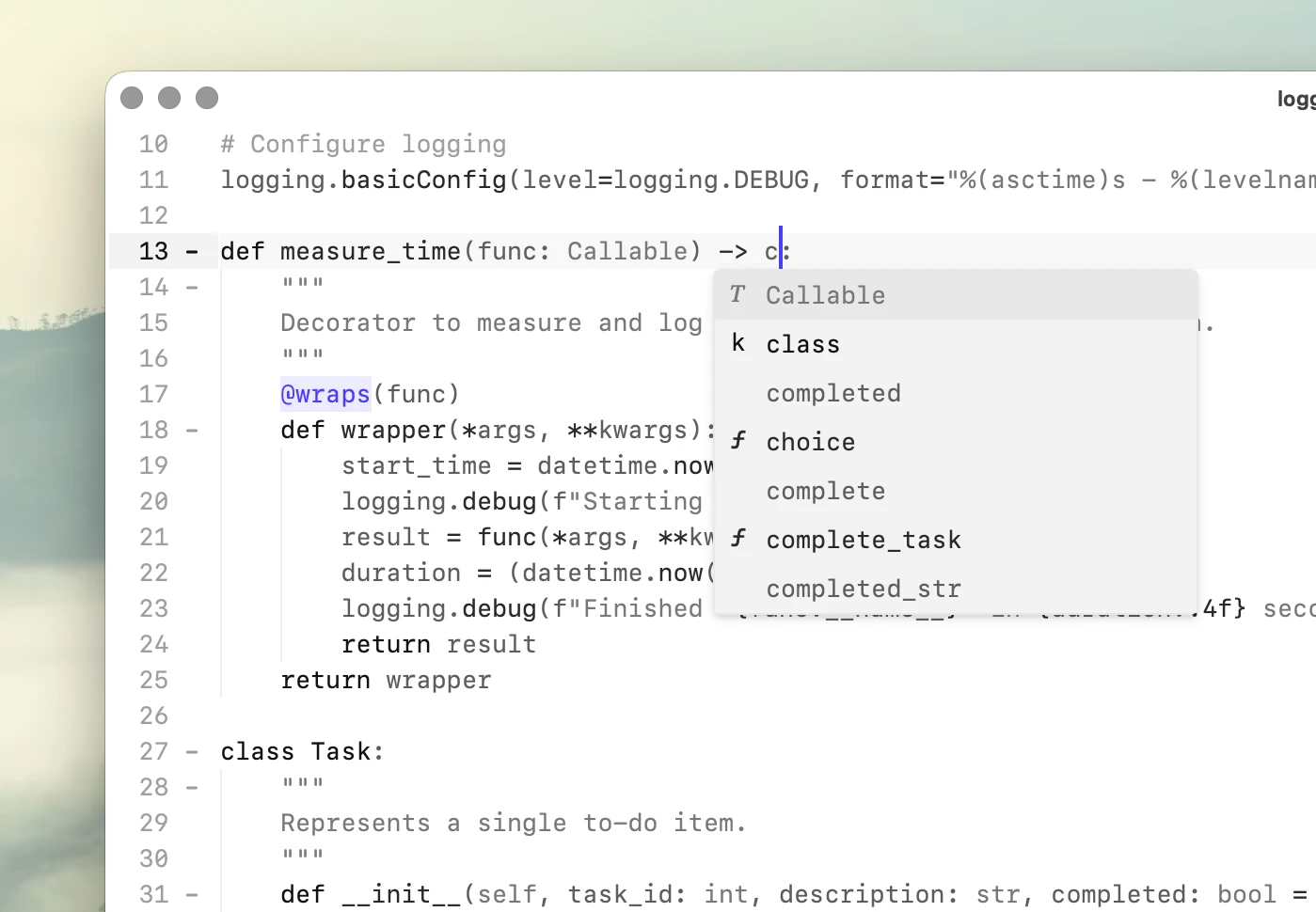
专业的 Mac 文本编辑器。

快速

从小文件到数百万行代码,始终保持流畅响应。

See the benchmarks →

本地

文件、配置和工具始终由你掌控。

可脚本化

通过 Python 和编辑器命令自动完成重复性工作。

peeknext.py
 22960   # EditorContainer : _on_tab_label_clicked
 22961   @func_trace
 22962  def _on_tab_label_clicked(self):
 22963       editor = ensure_not_deleted(self.main_editor.editor)
 22964      if editor is not None:
 22965           safe_focus(editor)
 22966  
 22967   # EditorContainer : _on_tab_label_toggle
 22968   @func_trace
 22969  def _on_tab_label_toggle(self):
 22970       window = ensure_not_deleted(self.window)
 22971      if window is None:
 22972           return
 22973  
 22974       buffer = self.buffer
 22975      if buffer is None:
 22976           return
 22977  
 22978       window.buffer_manager.toggle_active(buffer)
 22979  
 22980   # EditorContainer : _on_tab_label_exclusive
 22981   @func_trace
 22982  def _on_tab_label_exclusive(self):
 22983       window = ensure_not_deleted(self.window)
 22984      if window is None:
 22985           return
 22986  
 22987       buffer = self.buffer
 22988      if buffer is None:
 22989           return
 22990  
 22991       window.buffer_manager.set_as_active_tab(buffer)
 22992  
 22993   # EditorContainer : _file_changed
 22994   @func_trace
 22995  def _file_changed(self, *_): [97 lines folded]
 23093  
 23094   # EditorContainer : _do_after_file_changed
 23095   @func_trace
 23096  def _do_after_file_changed(self): [5 lines folded]
 10373       directory = os.path.dirname(path) or "."
 10374       tmp_path = None
 10375  
 10376       os.makedirs(directory, exist_ok=True)
 10377  
 10378       fd, tmp_path = tempfile.mkstemp(dir=directory, prefix=".tmp_")
 10379  
 10380      try:
 10381          with os.fdopen(fd, "w", encoding="utf-8") as f:
 10382               f.write(text)
 10383               f.flush()
 10384               os.fsync(f.fileno())
 10385  
 10386           os.replace(tmp_path, path)
 10387           tmp_path = None
 10388  
 10389      finally:
 10390          if tmp_path is not None:
 10391              try:
 10392                   os.remove(tmp_path)
 10393              except OSError:
 10394                   pass
 10395  
 10396   # CodeEditor : _save_file
 10397   # @func_trace
 10398  def _save_file(self): [113 lines folded]
 10512  
 10513   # CodeEditor : _save_shadow_file
 10514   @func_trace
 10515  def _save_shadow_file(self): [18 lines folded]
 10534  
 10535   # CodeEditor : save_file_as
 10536   @plugin_api
 10537   @command("Save file as...")
 10538  def save_file_as(self): [20 lines folded]
 10559  
 10560   # CodeEditor : save_file_copy_as
 10561   @plugin_api
 10562   @command("Save copy of file as...")
 10563  def save_file_copy_as(self): [20 lines folded]

~/Desktop/peeknext peeknext.py indexer.py todo.org Line 22,974, Column 29 Python

开始使用

开箱即用,功能齐全。

Flexible Workspaces

灵活的工作区

拆分视图、分离窗口,并在多个视图中打开同一文档。

Local-first AI

本地优先的 AI

直接连接 <a href="https://ollama.com/" target="_blank">Ollama</a>,在 Mac 本地运行代码补全和聊天功能。

Context-aware autocomplete

上下文感知自动补全

补全当前文件中的词语,并根据附近的上下文和使用情况对建议排序。

Python 脚本

无需插件框架即可添加编辑器命令。使用 <kbd>⌘⇧P</kbd> 查看所有命令,包括你自己编写的命令。

内联命令

使用 <kbd>⌘⇧⏎</kbd> 直接在文档中运行命令。以 <code>%</code> 执行 Shell 命令、以 <code>&gt;</code> 发起聊天,或直接求值 Python 代码。

纯文本设置

配置和快捷键绑定均为可读、可编辑的文本。

See default config file →

内置语言支持

开箱支持 30 多种编程语言,未来还将支持更多语言。

Roadmap →

快速查找

使用 <kbd>⌘P</kbd> 跳转到任意文件,使用 <kbd>⌘⇧F</kbd> 搜索整个项目。

精心打造的文本编辑器。

快速

Peeknext 基于原生 C++ 编辑核心构建,将响应速度视为设计约束,而不是事后添加的优化。

即使文件不断增大,编辑依然保持流畅。同一文档的多个视图共享底层缓冲区。

我们使用真实源代码文件测试性能,并发布可复现的基准测试结果。

CLexer.cpp
  172   bool isFunctionLike = false;
  173  
  174   // keywords
  175  if (keywords.InList(s)) {
  176       sc.ChangeState(SCE_HACK_KEYWORD);
  177   }
  178   // types
  179  else if (types.InList(s)) {
  180       sc.ChangeState(SCE_HACK_TYPE);
  181   }
  182   // constants
  183  else if (constants.InList(s)) {
  184       sc.ChangeState(SCE_HACK_CONSTANT);
  185   }
  186   // builtins
  187  else if (builtins.InList(s)) {
  188       sc.ChangeState(SCE_HACK_BUILTIN);
  189   }
  190  else {
  191       const Sci_Position line = styler.GetLine(sc.currentPos);
  192       const Sci_PositionU lineEnd = styler.LineEnd(line);
  193       Sci_PositionU pos = sc.currentPos>;
  194  
  195      while (pos < lineEnd) {
  196           const unsigned char c = styler.SafeGetCharAt(pos);
  197          if (c == ' ' || c == '\t') {
  198               ++pos;
  199               continue;
  200           }
  201           isFunctionLike = (c == '(');
  202           break;
  203       }
  267   // enter new state
  268  
  269  if (sc.state == SCE_HACK_DEFAULT) {
  270       // numbers
  271      if (IsADigit(sc.ch) || (sc.ch == '.' && IsADigit(sc.chNext))) {
  272           sc.SetState(SCE_HACK_NUMBER);
  273       }
  274       // identifiers
  275      else if (!sc.atLineEnd && (setWordStart.Contains(sc.ch) || (sc.ch == '@'))) {
  276           sc.SetState(State_Identifier);
  277       }
  278       // block comment
  279      else if (sc.Match('/', '*')) {
  280           sc.SetState(State_BlockComment);
  281           sc.Forward();
  282       }
  283       // line comments
  284      else if (sc.Match('/', '/')) {
  285           sc.SetState(State_LineComment);
  286       }
  287       // strings
  288      else if (sc.ch == '\"') {
  289           sc.SetState(SCE_HACK_STRING);
  290           isIncludePreprocessor = false;
  291       }
  292       // includes
  293      else if (isIncludePreprocessor && sc.ch == '<') {
  294           sc.SetState(SCE_HACK_STRING);
  295       }
  296       // characters
  297      else if (sc.ch == '\'') {
  298           sc.SetState(State_Character);
~/hackerman/lexers CLexer.cpp clexer.sip Line 199, Column 22 C

超低输入延迟

在 753,821 行的源代码文件中,P95 输入延迟为 16.6 毫秒,在参与比较的编辑器中速度最快。

Benchmarks →

多视图,同一文档

在同一文档的多个视图中工作,同时保持流畅的编辑响应。

Multiple views →

轻松处理超大文件

流畅编辑数百万行的文件,同时保留语法高亮。

Large file performance →

实测数据,而非空口宣称

16.6 ms

在 753,821 行源代码文件上测得的 P95 输入延迟。

20M lines

已测试的最大语法高亮文件。

698 MB

处理 500 万行源代码文件时的内存占用。

Benchmarks →

本地

无需将代码发送到其他地方,也能使用实用功能。Peeknext 直接处理本地文件、本地索引和本地模型。

上下文感知自动补全基于当前文件构建,无需语言服务器。AI 功能通过 Ollama 在本地运行,默认关闭。

文件始终保存在你的设备上,编辑器在完全离线时也能正常工作。

dsl.py
  15   types
  16       int
  17       float
  18   arguments
  19       out     : stdin to use previous output as input
  20               : stdout to print
  21   """
  22  
  23   program = """
  24   Module add 1 2 3 type=float out=stdin
  25   Module sub stdin 1 2 type=int out=stdout
  26   """
  27  
  28   # Module definition
  29  class Module:
  30  
  31       # Add function
  32      def add(*args, **kwargs):
  33           type_ = globals()["__builtins__"].getattr(globals()["__builtins__"], kwargs["type"])
  34           return sum(map(type_, args))
  35  
  36       # Sub function
  37      def sub(*args, **kwargs):
  38           type_ = globals()["__builtins__"].getattr(globals()["__builtins__"], kwargs["type"])
  39           return float(args[0]) if type_ == 'float' else int(args[0]) - sum(map(type_, args[1:]))
  40  
  41  def get_args(tokens, STDIN): [18 lines folded]
  60  
  61  def interpret(program): [25 lines folded]
  87  
  88   interpret(program) # 3
  89  
~/Desktop qwen2.5-coder:1.5b Line 34, Column 9 C

上下文感知自动补全

从当前文件中补全词语,并根据附近的上下文和使用情况排序。

Context-aware autocomplete →

本地优先的 AI

通过 Ollama 使用自己的本地模型运行内联聊天和代码补全。

Local AI →

无遥测

无需账号,不跟踪使用情况,也不收集分析数据。Peeknext 可完全离线处理你的文件。

Privacy Policy →

隐私融入设计

无遥测或跟踪。无后台下载。甚至没有自动更新程序。

无需开启离线模式。

可脚本化

Peeknext 向 Python 开放编辑器命令,让重复性工作直接融入编辑器,无需额外插件或外部工具。

编写普通 Python 函数,将其注册为命令并分配快捷键,像使用内置命令一样使用它们。

内联命令将同样的能力带入文档:无需离开编辑器,即可运行 Shell 命令、求值 Python 或使用 AI。

Untitled
   1   % git log --oneline -5
   2   7e43c91 Fix stale index results after file changes
   3   20b9ad4 Add PHP symbols to file outline
   4   e3816fc Preserve cursor position when reopening files
   5   9ad0c72 Reduce allocations while indexing large files
   6   615bc84 Fix split view restoring the wrong document
   7  
   8   > Summarize these changes for the changelog.
   9  
  10   ## Editor
  11  
  12   - Added PHP symbols to the file outline.
  13   - Cursor position is now preserved when reopening files.
  14   - Fixed split views occasionally restoring the wrong document.
  15  
  16   ## Performance and reliability
  17  
  18   - Reduced memory allocations while indexing large files.
  19   - Fixed stale autocomplete results after files changed on disk.
  20  
  21   % screenfetch -N
  22  
  23                    -/+:.          michael@Michaels-Mac-mini
  24                   :++++.          OS: 64bit macOS  
  25                  /+++/.           Kernel: arm64 Darwin 24.6.0
  26          .:-::- .+/:-``.::-       Uptime: 2d 3h 24m
  27       .:/++++++/::::/++++++/:`    Packages: 76
  28     .:///////////////////////:`   Shell: zsh 5.9
  29     ////////////////////////`     Resolution: 3440x1440 
  30    -+++++++++++++++++++++++`      DE: Aqua
  31    /++++++++++++++++++++++/       WM: Quartz Compositor
  32    /sssssssssssssssssssssss.      WM Theme: Graphite (Dark)
   1  
   2   # This is the default scripts-file for Peeknext
   3  
   4   @command("Word count")
   5  def word_count():
   6       import re
   7  
   8       text = selected_text()
   9       count = len(re.findall(r"\b[\w'-]+\b", text))
  10  
  11       message (f"Word count: {count:,} words")
  12  
  13   @command("Insert UUID")
  14  def insert_uuid(): [2 lines folded]
  17  
  18   @command("Markdown: Selection to link")
  19  def insert_link(): [2 lines folded]
  22   
  23   @command("Markdown: Insert unchecked box")
  24  def insert_unchecked_box(): [1 lines folded]
  26   
  27   @command("Markdown: Wrap selection in fenced block")
  28  def fenced_block(): [2 lines folded]
  31  
  32   @command("Markdown: Bold")
  33  def make_bold():
  34       text = selected_text()
  35       insert_text(text=f"**{text}**")
  36  
  37   
  38   
  39   
~/peeknext _ .hackerman-scripts glm-5.3-flash:cloud Generic-Default

Python 脚本

使用普通 Python 函数编写编辑器命令,并绑定快捷键或从命令面板运行。

Explore the API →

内联命令

直接在文档中使用 % 运行 Shell 命令、使用 > 发起内联聊天,或求值 Python 代码。

Shell and Python eval →

纯文本配置

在可查看、编辑和版本控制的文件中配置设置、快捷键、模型和编辑器行为。

Documentation →

选择 Peeknext 的理由

Zero-latency typing

Peeknext maintains a measured P95 typing latency of 17.86 ms while editing a 1 million-line Odin source file with syntax highlighting enabled.

Read more →

Local AI, on your Mac

Peeknext works directly with local Ollama models, with no account, telemetry, or cloud intermediary. Use local code completion and inline AI while keeping your code and inference on your Mac.

Read more →

Native macOS code editors

A look at code editors built specifically for macOS, from long-running editors like BBEdit and TextMate to newer alternatives like Nova, CodeEdit, and Peeknext.

Read more →

Plain text note taking

Keep notes as ordinary Markdown, plain text, Org Mode, or other files. Open directly into your notes folder, search with ripgrep, and organize everything without a proprietary database.

Read more →

路线图

我们目前正在开发和规划的功能。

Changelog

Submit feature request →

Writer mode with focused interface

Variable fonts and wikilinks

File preview in file explorer

Faster search in very large files

One command palette for all dialogs

精心调校的原生词法分析器,提供快速、精确的语法高亮。

Code folding is syntax-aware, allowing for language-specific behavior.

Some languages have file outline support, enabling navigation through the code via symbols.

Asm

Bash

C

CSS

Clojure

C++

D

Diff

Elixir

Fortran

Gleam

Go

Haskell

HTML

Jai

Java

JavaScript

Julia

JSON

LaTeX

Lua

Makefile

Markdown

MATLAB

Mojo

Nim

OCaml

Odin

Org

Pascal

Perl

PHP

Python

R

Ruby

Rust

SQL

Swift

TOML

TypeScript

Typst

WAT

YAML

Zig

Built-in language support

精心调校的原生词法分析器,提供快速、精确的语法高亮。

Minimal syntax highlighting for better performance. The lexers are written in C++ and optimized for speed.

Code folding is syntax-aware, allowing for language-specific behavior.

Some languages have file outline support, enabling navigation through the code via symbols.

Asm

Bash

C

CSS

Clojure

C++

D

Diff

Elixir

Fortran

Gleam

Go

Haskell

HTML

Jai

Java

JavaScript

Julia

JSON

LaTeX

Lua

Makefile

Markdown

MATLAB

Mojo

Nim

OCaml

Odin

Org

Pascal

Perl

PHP

Python

R

Ruby

Rust

SQL

Swift

TOML

TypeScript

Typst

WAT

YAML

Zig

价格

非商业用途

Free

适用于个人项目、学习及其他非商业用途。

下载

Personal 早鸟优惠

$195 $325

一次性付款,永久许可证

单用户(你本人)

不限设备数量

可用于商业用途

一次购买,永久拥有

购买 Personal

Teams

$795 /year

最多 10 名用户

每个许可证最多 10 名用户

每位用户不限设备数量

可用于商业用途

一年有效期

购买 Teams

Business

$19,995 /year

无需按席位管理

不限用户数量

每位用户不限设备数量

有限的定制构建服务

支持发票付款

购买 Business

许可证常见问题

非商业用途免费。商业用途需要购买许可证。

End User License Agreement

License recovery →

为什么需要购买许可证?

Peeknext 可免费用于非商业用途。如果用于工作,则需要商业许可证。这也是产品持续开发的资金来源。

什么算非商业用途?

非商业用途包括学习、个人项目、兴趣项目和试用评估。如果你将 Peeknext 用于有偿工作、公司工作、客户项目或任何其他商业活动,则需要商业许可证。

我应该选择哪种许可证?

Personal 许可证适合单个用户。Business 许可证适合组织和多用户使用。

独自用于专业工作 → Personal

独自用于专业工作 → Personal

用一个许可证覆盖较大的组织 → Business

Personal 许可证可以用于工作吗?

可以。只要只有你一个人使用该软件,Personal 许可证就可以用于商业工作。多人使用请选择 Business。

许可证文件丢失了,如何重新获取?

你可以使用购买后显示的 Session ID,在<a href="/license-recovery/">许可证恢复页面 →</a>重新获取许可证文件。

我们也可以协助恢复许可证。请发送邮件至 hello@hackerman.ai,并附上与购买相关的信息,例如邮箱、姓名、公司名称以及大致购买日期和时间。

团队最新动态

Koi is now Peeknext

Koi Editor and Hackerman are now Peeknext, with a shared name and visual identity.

Read more →

Debugging race condition that was actually a lifetime bug

A random QThread crash looked like a race condition, but turned out to be an orphaned editor buffer and delayed garbage collection.

Read more →

Next steps for navigation

Rethinking editor navigation around lightweight histories, on-demand search, and local structure.

Read more →

Peeknext App Icon

用自己的代码试试 Peeknext。

非商业用途免费。需要搭载 Apple Silicon 的 Mac。